On the Horizon
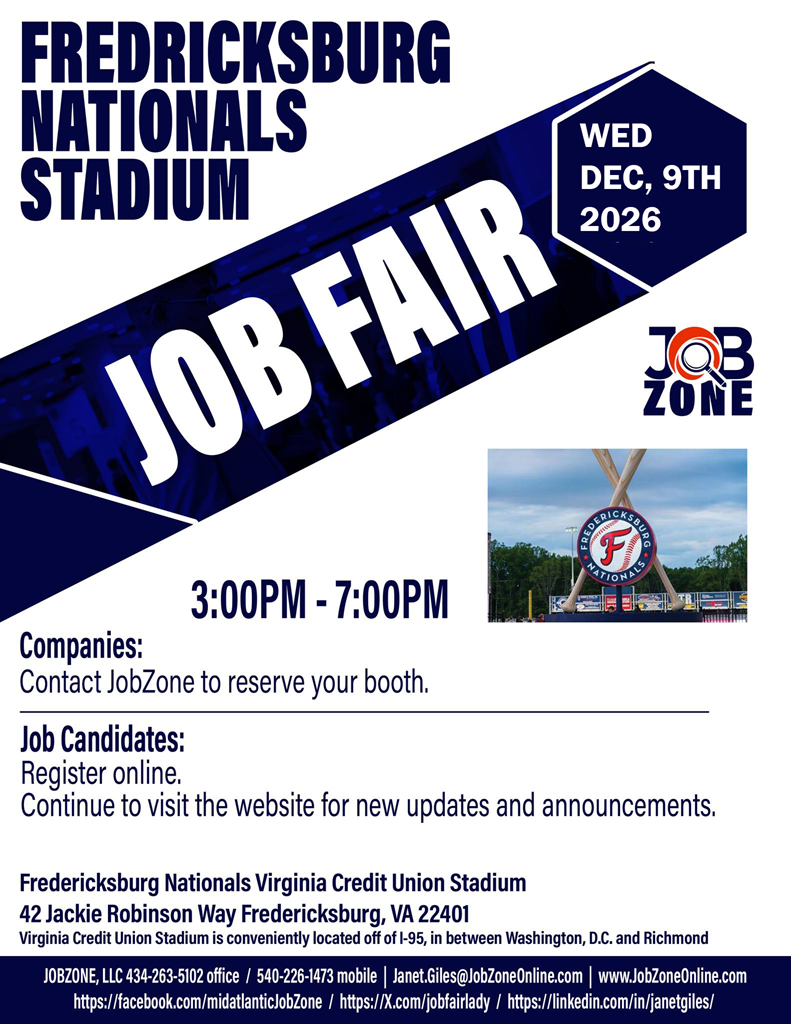
Announced — next year
2027 career fair schedule
JobZone’s published 2027 job fair schedule. Registration for each fair opens closer to its date — this year’s remaining fairs are listed above.
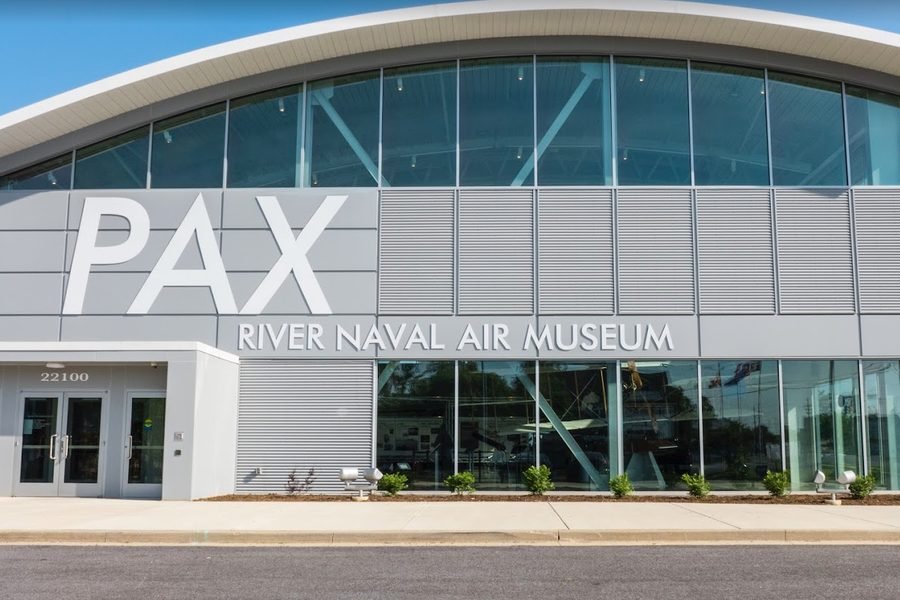 JAN 26
Patuxent River (Lexington Park), MD
Tue · Jan 26, 2027
Naval Air Museum2 PM – 6 PM
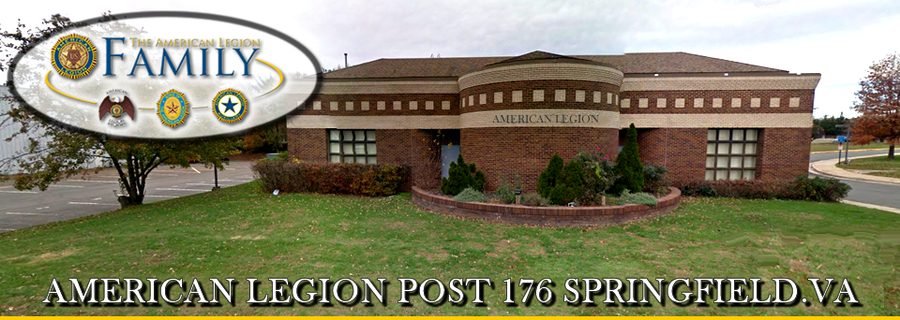 FEB 18
Springfield, VA
Thu · Feb 18, 2027
American Legion Post 17610 AM – 2 PM
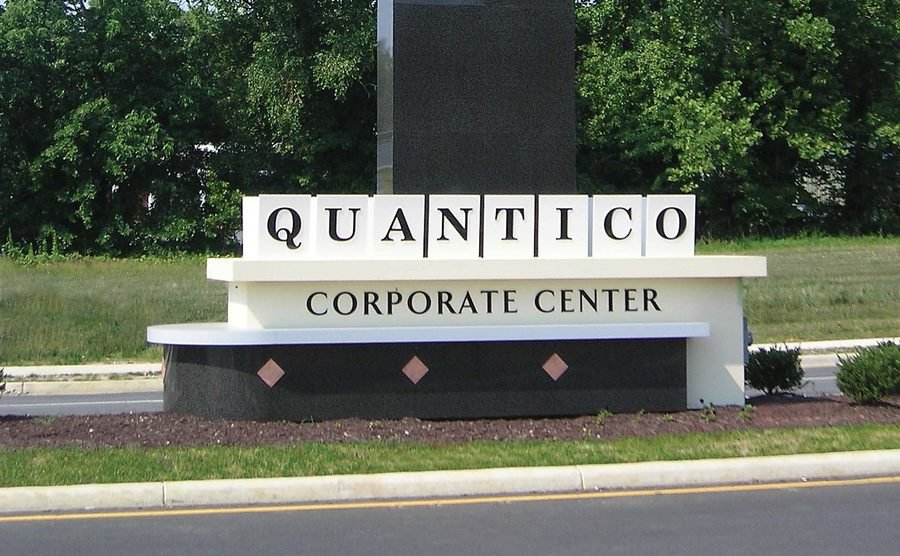 MAR 18
Stafford, VA
Thu · Mar 18, 2027
Cyber Bytes Foundation @ Quantico Corporate Center10 AM – 3 PM
See full 2027 schedule (15 fairs) Hide the full 2027 schedule
JAN 26Patuxent River (Lexington Park), MD
Tue · Jan 26, 2027
Naval Air Museum2 PM – 6 PM
FEB 18Springfield, VA
Thu · Feb 18, 2027
American Legion Post 17610 AM – 2 PM
MAR 18Stafford, VA
Thu · Mar 18, 2027
Cyber Bytes Foundation @ Quantico Corporate Center10 AM – 3 PM
APR 6Patuxent River (Lexington Park), MD
Tue · Apr 6, 2027
Naval Air Museum2 PM – 6 PM
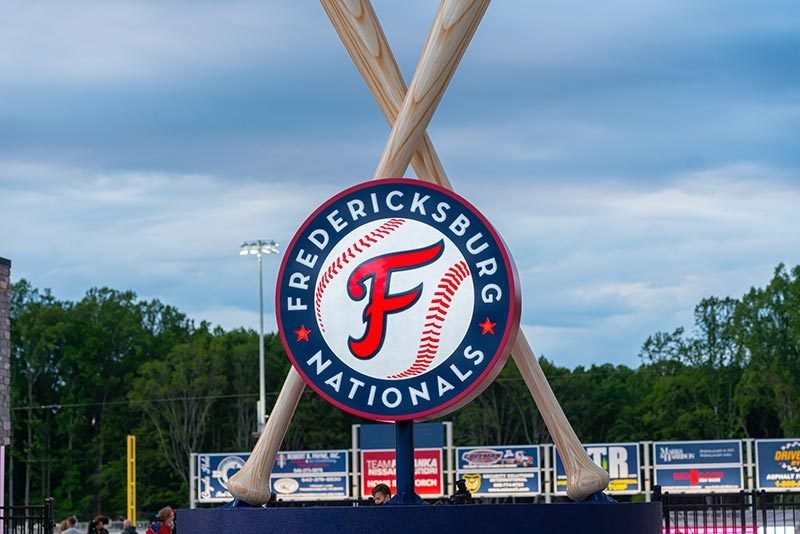 MAY 6
MAY 6Fredericksburg, VA
Thu · May 6, 2027
Fredericksburg Nationals Stadium3 PM – 7 PM
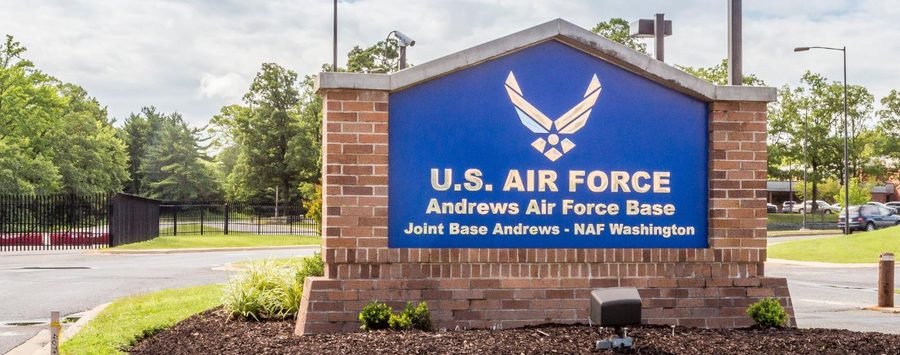 TBD
TBDJoint Base Andrews AFB, MD
June 3, 2027 — June or May, date to be confirmed
The Club (Sponsor: TOP III)10 AM – 2 PMMust have CAC card/Military ID or be on a pre-approved security list for base entry. Deadline: estimated 1 week prior to the job fair — contact JobZone.
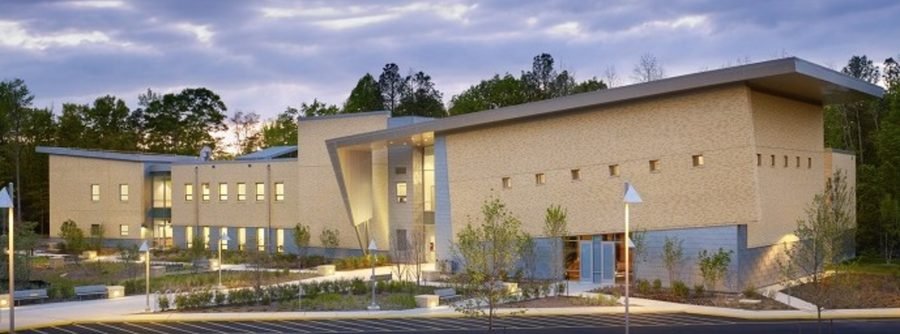 JUL 29
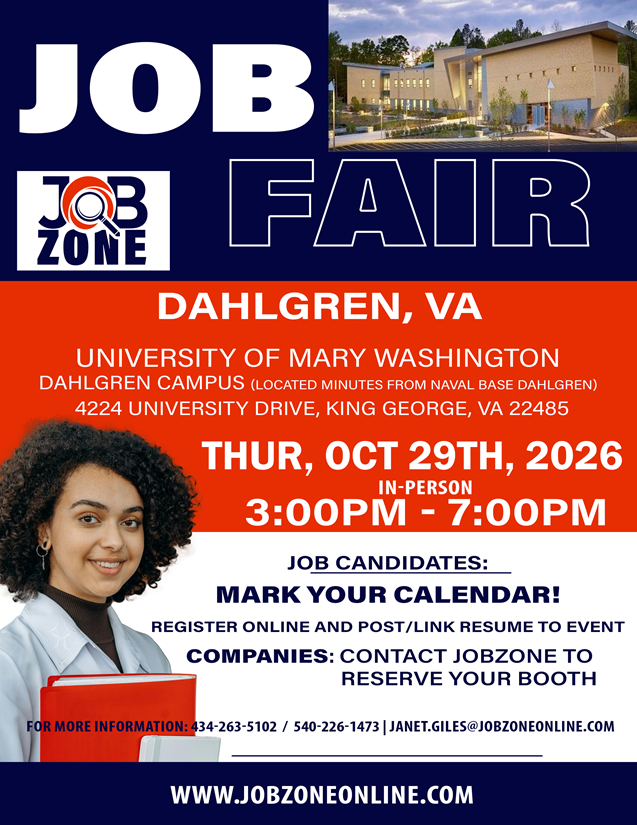
Dahlgren (King George), VA
Thu · Jul 29, 2027
University of Mary Washington3 PM – 7 PM
AUG 10Patuxent River (Lexington Park), MD
Tue · Aug 10, 2027
Naval Air Museum2 PM – 6 PM
SEP 16Stafford, VA
Thu · Sep 16, 2027
Cyber Bytes Foundation @ Quantico Corporate Center10 AM – 3 PM
OCT 7Springfield, VA
Thu · Oct 7, 2027
American Legion Post 17610 AM – 2 PM
OCT 28Dahlgren (King George), VA
Thu · Oct 28, 2027
University of Mary Washington3 PM – 7 PM
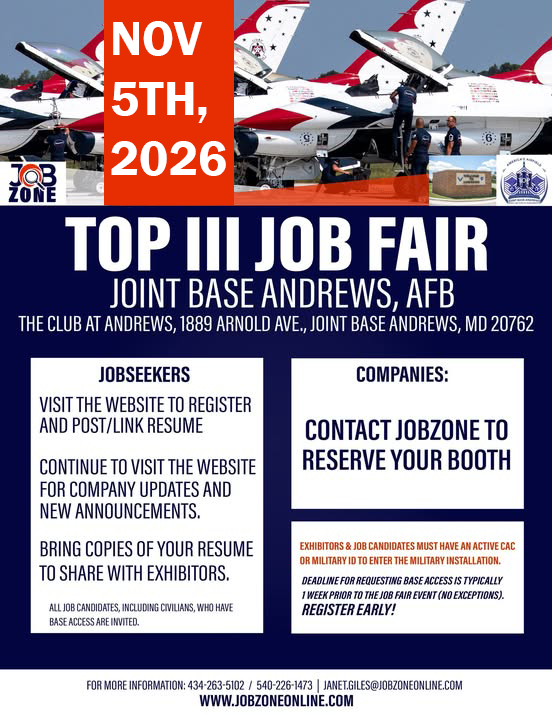
NOV 4Joint Base Andrews AFB, MD
Thu · Nov 4, 2027
The Club (Sponsor: TOP III)10 AM – 2 PMMust have CAC card/Military ID or be on a pre-approved security list for base entry. Deadline: estimated 1 week prior to the job fair — contact JobZone.
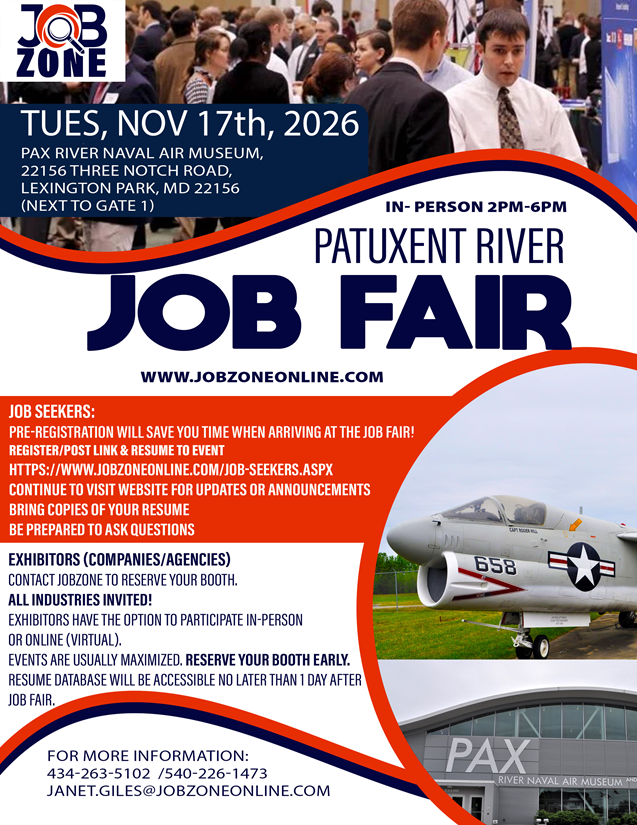
NOV 16Patuxent River (Lexington Park), MD
Tue · Nov 16, 2027
Naval Air Museum2 PM – 6 PM
DEC 8Fredericksburg, VA
Wed · Dec 8, 2027
Fredericksburg Nationals Stadium3 PM – 7 PM
TBD
Charlottesville, VA
Date(s) to be finalized
Venue to be finalized2 PM – 6 PM
May 2027 — JobZone’s 22nd anniversary.